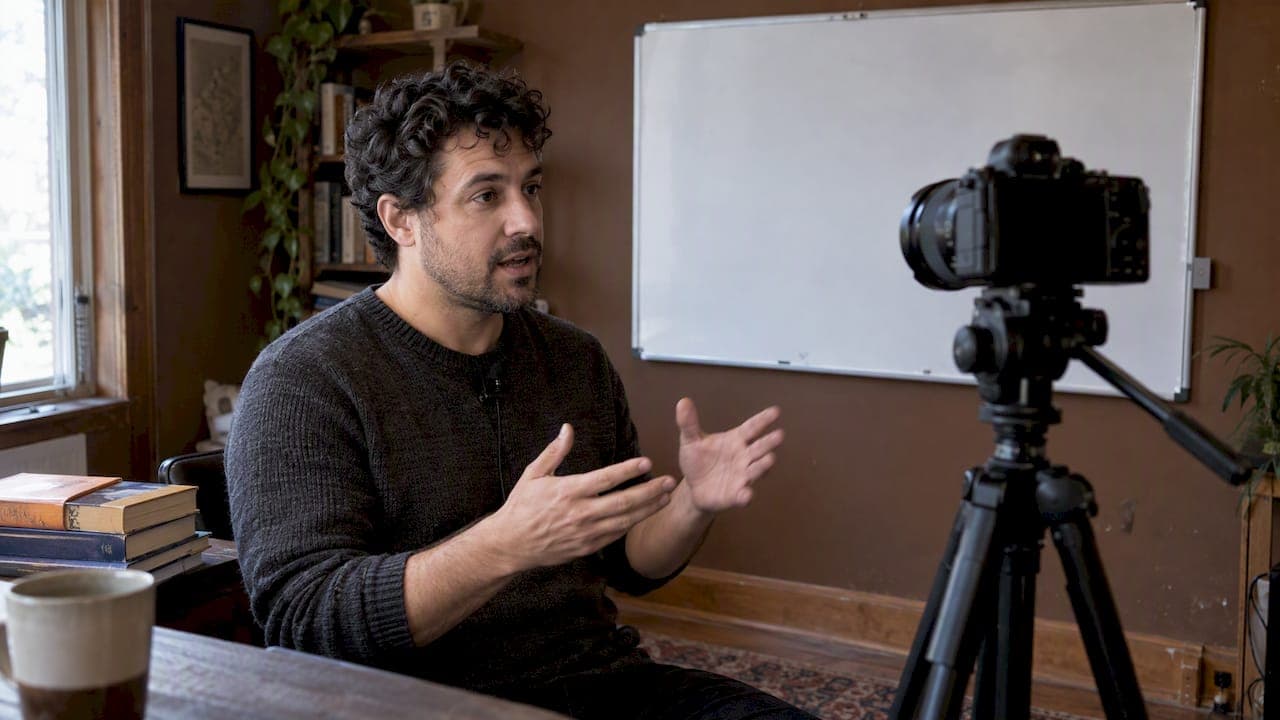
A course preview is a short sample, a trailer, a sample lesson or a syllabus excerpt, built to prove one core learning outcome before someone pays. It gives buyers enough evidence to decide with confidence, and it sparks the curiosity that turns a browser into an enrolled student. Platforms such as BibliOWLteca let creators host and sell these previews alongside the course itself.
TL;DR:
- Use a 30 to 90 second trailer for impulse purchases, a 5 to 12 minute lesson for courses lasting weeks, and syllabus excerpts for certifications.
- Keep the opening title under five seconds, establish instructor credentials, show two or three topics, add testimonials, and finish with one clear enrollment instruction.
- Map three to five representative moments to a single learning outcome, then storyboard captions, audio, and mobile framing before recording to avoid improvising during editing.
- Place previews beside the enrollment button, use social cuts for discovery, and compare formats, lengths, and calls to action through clicks, watch time, and conversions.
- Prioritize clear audio over camera quality, add accurate synchronized captions for accessibility and silent autoplay, and disclose synthetic voices in the final preview.
Table of Contents
- Choosing a format: trailer, sample lesson or syllabus excerpt
- The fragments every trailer or sample lesson needs
- Planning your preview: from one outcome to a storyboard
- Producing the preview: a practical checklist
- Publishing and testing: where previews convert best
- Measuring and iterating on preview performance
- How a creator platform changes what previews can do
- Host your previews and sell courses on BibliOWLteca
- FAQ
- Sources
Choosing a format: trailer, sample lesson or syllabus excerpt
The right preview format depends on how much commitment you are asking for. A short trailer works for broad discovery because it reaches people scrolling fast and deciding in seconds. A sample lesson earns trust for longer or more technical programmes, where buyers want proof of teaching style before paying.
- Trailers (30 to 90 seconds) suit micro-courses, webinars and anything sold on impulse through social feeds.
- Sample lessons (5 to 12 minutes) suit multi-week courses, where the buyer needs to see how you explain, not just what you cover.
- Syllabus excerpts and downloadable samples suit high-stakes or long programmes, such as certifications, where the reader wants to study the structure before committing.
- Hands-on workshops often combine a short trailer with a downloadable worksheet excerpt, since the trailer alone cannot show the practical work.
Match the format to the buying decision, not to what is easiest to film.
The fragments every trailer or sample lesson needs
Research into automated trailer generation for online courses breaks a trailer into a repeatable sequence of fragments, each doing a specific job for the viewer. Building your preview around this structure keeps it coherent even when you are working fast.
- Splash and title: a visual hook in the first few seconds that signals what the course is and who it is for.
- Author credential: a brief shot or line establishing who is teaching and why they are qualified.
- Outline: two or three representative topics that map to the outcome you want to prove.
- Social proof: one or two short testimonials or results, placed just before the ask.
- Call to action: a direct, single instruction to enrol or watch the next sample.
For longer sample lessons, stretch the outline and social proof fragments rather than adding new ones. The sequence still applies, just with more breathing room around the teaching itself.
Pro Tip: Keep the splash and title fragment under five seconds. Viewers decide whether to keep watching almost immediately.
Planning your preview: from one outcome to a storyboard
Before you script anything, pick a single learning outcome the preview will prove. Trying to show every topic in the course dilutes the pitch and leaves viewers with no clear reason to enrol.
- Write a one or two sentence hook that states the outcome plainly, such as what the learner will be able to do by the end.
- Map three to five representative moments from the course to the fragment structure above.
- Draft a three to five line voice-over script that matches those moments, keeping each line to one idea.
- Sketch a three-frame storyboard with durations, so editing later is a matter of filling boxes rather than guessing.
- Plan for captions, clear audio levels and mobile framing from the storyboard stage, not as an afterthought.
This workflow takes less than an hour for most short previews, and it stops the common mistake of recording first and figuring out the structure in the edit.
Producing the preview: a practical checklist
A good preview does not need professional equipment, but it does need a few basics done consistently. Framing, lighting, microphone placement and room acoustics matter more than camera quality, since viewers tolerate modest video but not muddy audio.
- Recording: frame yourself or your screen clearly, use a stable light source and record in a room with soft furnishings to cut echo.
- Editing: pace cuts to match the fragment timeline, add the title and splash graphics, align captions with the voice-over and export at settings suited to the platform you are using.
- Captions and subtitles: use accurate, synchronised subtitles, since they support both accessibility and silent autoplay on social feeds. Our guide to subtitling course videos covers the practical steps.
- Quality check: run the finished preview against a checklist for educational video quality before publishing.
Pro Tip: Export captions as a separate .srt file alongside your video file. Most platforms accept uploads more reliably that way rather than with captions burned in.
Publishing and testing: where previews convert best
Place your preview where the buying decision happens, not just where attention is highest. A landing page hero slot works because the viewer has already shown intent, while a social short works for cold discovery and needs a faster hook.
- Landing page hero: the primary placement, since it sits right next to the enrolment button.
- Product listing page: a secondary placement that reassures browsers comparing options.
- Social shorts: cut the trailer to its first 15 to 20 seconds for feeds, keeping the splash and outline fragments only.
- Email snippets: a still thumbnail with a play button and a short caption drives clicks without autoplaying.
Run simple A/B tests before assuming a format works: trailer against sample lesson, a 30 second cut against a 60 second cut, and two CTA phrasings. Watch click-through rate on thumbnails, watch time on the preview itself and conversion rate on the landing page, since each placement rewards a different metric.
Measuring and iterating on preview performance
Track a small set of KPIs rather than everything your analytics tool offers: click-through rate on the preview thumbnail, view-through rate to completion, watch time, enrolment rate, and completion lift among students who watched a preview versus those who did not.

A user evaluation in the trailer generation research involved 63 human evaluators and found semi-automatic trailer generation produced encouraging results, suggesting even lightly templated previews can perform well without heavy manual production.
If watch time drops sharply in the first 10 seconds, re-record the hook rather than tweaking copy around it. If the drop happens near the CTA, test adding social proof just before the ask before touching the rest of the preview.
How a creator platform changes what previews can do
Hosting and distribution infrastructure shapes how far a preview can travel. When a platform handles instant digital delivery, multi-currency payments and tax compliance, a preview you record once can sell to buyers in different countries without separate checkout builds for each. That removes a layer of technical work that otherwise sits between a finished preview and a completed sale, letting the creative decisions above, not the plumbing, determine whether a preview converts.
— BibliOWLteca
Host your previews and sell courses on BibliOWLteca
We built our platform so you can host a preview, attach it to a full course and accept payment from buyers worldwide without stitching together separate tools. Our Creator Plan charges no monthly fee and only transaction fees when a sale completes; it supports multiple global payment methods for international buyers.

Browse our categories for courses, ebooks and templates to see how other creators structure their listings, then publish your own preview and course when you are ready.
FAQ
What is the difference between a course preview and a trailer?
A trailer is one type of course preview, typically 30 to 90 seconds, built for broad discovery on social feeds or landing pages. A sample lesson or syllabus excerpt is a longer preview format, better suited to proving teaching depth for longer or more technical courses.
How long should a course preview be?
A trailer works best between 30 and 90 seconds, while a sample lesson runs 5 to 12 minutes to properly demonstrate teaching style. The right length depends on how much commitment the course asks for, with longer, higher-stakes courses justifying a longer sample.
Can I use automated tools to create a course trailer?
Template-based trailer generation, which maps creator input to fragments like splash, outline and call to action, can produce a coherent trailer with minimal manual editing, as described in research on automated trailer generation. Text-to-speech can draft a voice-over quickly, though disclosing a synthetic voice in the final cut is good practice.
Where should I publish my course preview?
Place it on your landing page hero and product listing page first, since viewers there already show buying intent, then cut shorter versions for social shorts and email snippets. Each placement rewards a different metric, so watch click-through rate on social and conversion rate on the landing page.
Does a course preview affect how many students finish the course?
A preview that proves a single, clear learning outcome sets accurate expectations, which can support completion once students enrol with the right idea of what the course covers. Watching enrolment rate alongside downstream completion gives a fuller picture than watch time alone.