
Choosing creator commerce software to sell courses and digital products often means juggling transaction fees, monthly charges and limited support for different payment models. Many platforms either require expensive subscriptions upfront or restrict automation, multi-currency sales and integration without an upgrade. This side-by-side comparison covers fees, storefront flexibility and support quality across five creator commerce platforms so you can pick the best fit for your audience, content and budget without signing blind.
Table of Contents
Bibliowlteca
At a Glance
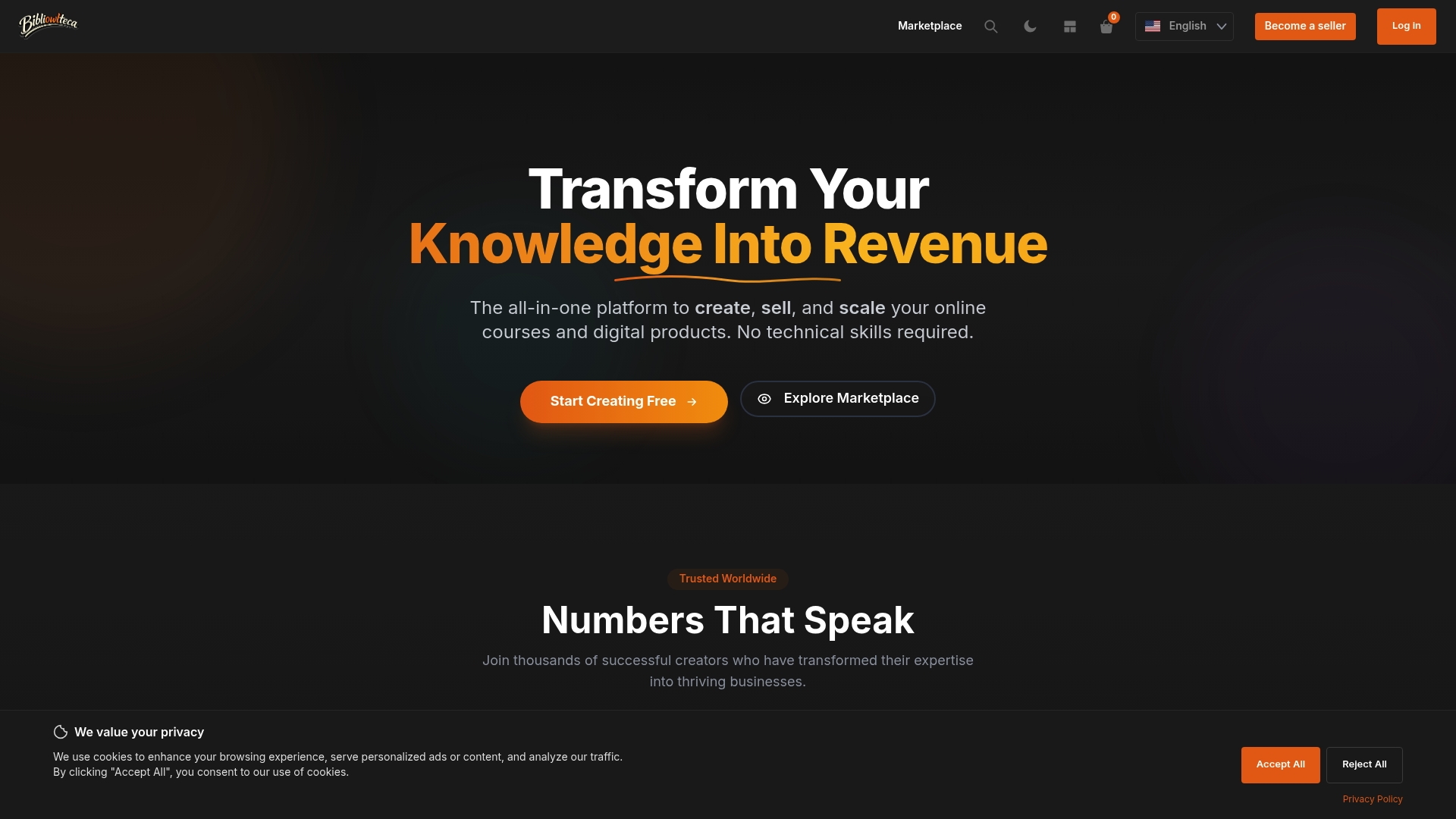
Charges only transaction fees — 7.99% + €0.99 per successful sale — and offers a free initial plan, moving cost from monthly overhead to per-sale economics. The platform combines course hosting, digital storefronts and payment handling for global buyers.
Core Features
- Unlimited hosting for video and course content, so large libraries do not incur extra storage charges.
- Secure storage with copyright protection and digital delivery controls for downloadable assets.
- Built-in course creation tools including quizzes, certificates and student management.
- Support for bundles, memberships, subscriptions and multi-currency payments.
Key Differentiator
The product positions itself as an all-in-one solution that removes a recurring subscription barrier by charging per transaction rather than a monthly fee. That arrangement lowers the upfront cost for creators who want to test products or maintain occasional sales.
Pros
- The transaction-only model lets a new creator launch without monthly hosting costs, which reduces early-stage financial risk when enrolments are uncertain.
- Strong content controls and delivery mechanics keep downloads and streaming secure, helpful when selling licensed course material or paid templates.
- Built-in student management, quizzes and certificates mean you can run a complete course without stitching together separate tools.
- Multiple currencies and international payment acceptance simplify selling across borders and reduce the friction of global customers.
- Flexible storefront customisation lets you match branding and package products into bundles or subscription plans.
Cons
- Limited third-party integrations and sparse API details mean teams that rely on external marketing stacks or custom automations will be constrained and may need workarounds.
Who It's For
Solo educators, digital entrepreneurs and small to medium-sized businesses that prefer a single platform for hosting, payments and storefronts. Good for creators who want to avoid monthly platform bills while scaling courses and downloadable products.
Unique Value Proposition
A transaction-only fee model changes the cashflow equation for creators. Paying per successful transaction means you only spend when you earn, which is useful for instructors launching pilot cohorts, seasonal product drops or testing new pricing without a fixed monthly commitment.
Real World Use Case
A course creator in Europe hosts a multi-module programme, accepts payments in euros and dollars, and sells companion e-books as bundled downloads. Bibliowlteca handles hosting, delivery and cross-border payments so the creator focuses on content and marketing.
Pricing
Fees are charged per sale at 7.99% + €0.99 with a free initial plan available for basic testing. That model removes monthly fees but raises marginal cost per conversion, which alters break-even calculations as volume rises.
Website: https://bibliowlteca.com
Teachable
At a Glance
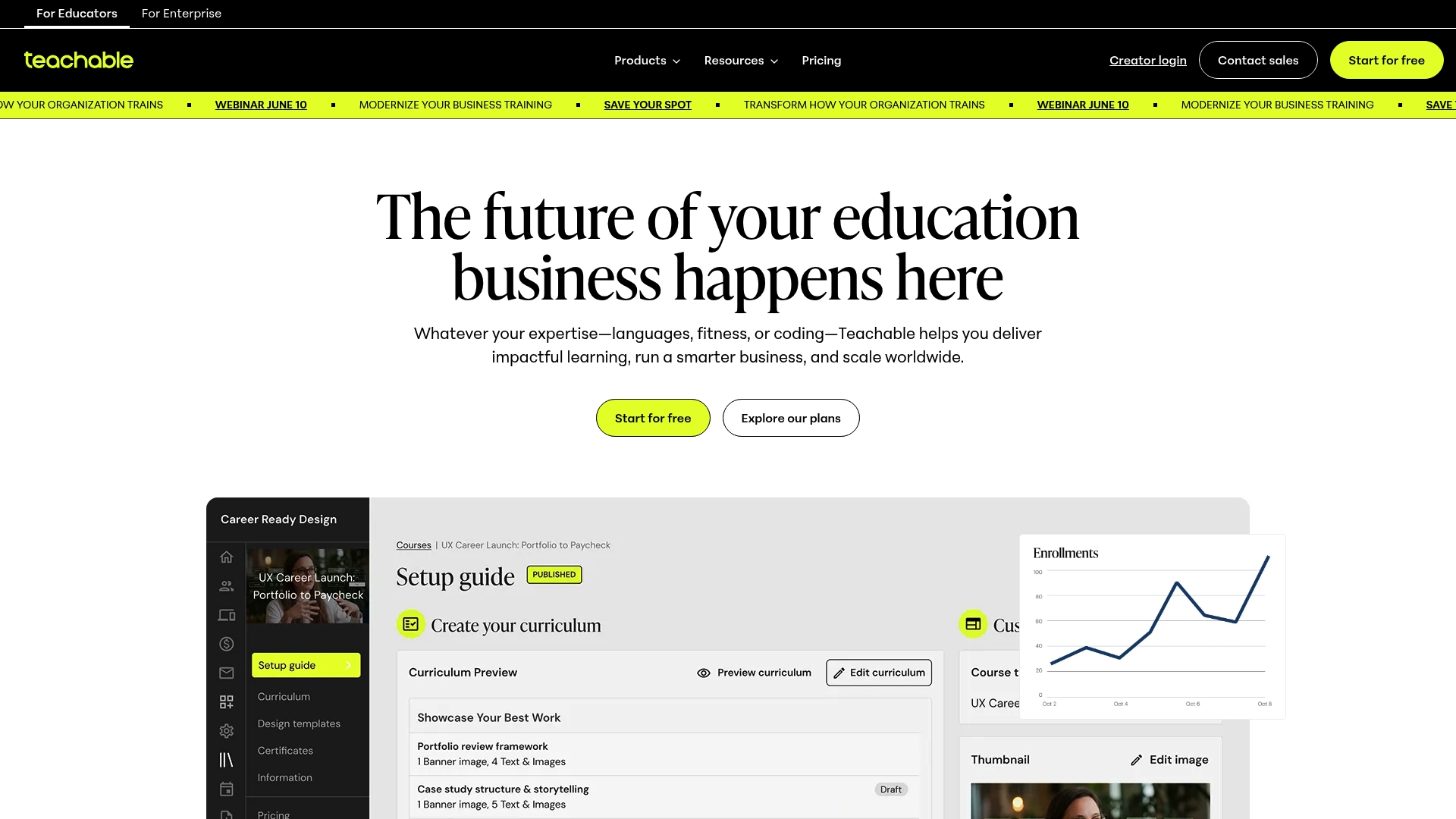
Part of Hotmart, Teachable combines AI-assisted course creation with built-in sales and global tax handling, making it practical for creators who want to move from an idea to a live course quickly. Plans start at $39/month, with transaction fees on the basic tier.
Core Features
Teachable offers a no-code course builder with AI assistance, multiple product formats including courses, memberships, digital downloads and coaching, plus mobile apps for iOS and Android.
The platform includes built-in sales features: affiliate management, coupons, and international payments. Advanced analytics exist, but reporting depth depends on plan level.
Key Differentiator
What sets Teachable apart is the pairing of guided course creation with first-party marketing and commerce tools. The aim is to let educators build curriculum rapidly and manage affiliates, payments and tax settings without stitching several services together.
That product focus suits creators who value a single control plane for content and transactions.
Pros
-
Rapid course production. The AI prompts and no-code builder reduce setup time for creators who lack technical support.
-
Commerce-first tooling. Payments, affiliates and global tax handling are available in one place, which simplifies selling internationally.
-
Mobile reach. Native iOS and Android apps let students access lessons on the go, improving completion rates for mobile-heavy audiences.
-
Scalability across plans. Teachable supports solo creators and larger organisations by adding advanced features at higher tiers.
Cons
-
Support quality is inconsistent; customer service is frequently reported as slow or unhelpful, which frustrates customers during critical launches.
-
Pricing has shifted upwards over time, and frequent increases have been flagged by users as an affordability issue for smaller creators.
-
Lower-tier plans limit customisation and reporting. If you need deep visual customisation or advanced analytics, you will likely need a higher plan.
-
Users report occasional bugs and clunky edges in the interface, particularly around more complex workflows.
When It May Not Fit
If you require extensive front-end customisation or white-labelled learning portals on a tight budget, Teachable’s basic plans are restrictive. Organisations that need enterprise-grade analytics or rapid support response should evaluate higher tiers or an alternative with dedicated account management.
If you run complex compliance training that demands granular reporting on completions and certifications, the basic reporting here may be insufficient.
Notable Integrations
- Stripe for payments
- PayPal for payments
- Zapier for workflow automation
- Google Analytics for traffic and conversion tracking
- Mailchimp and AWeber for email marketing
- HotJar for behavioural insights
- Slack for notifications
These integrations cover common payment, marketing and analytics needs without custom engineering.
Who It's For
Solo educators, small business owners and creator-led companies that want a straightforward path from content to commerce. Suitable when you prefer a single platform to host courses, handle payments and run basic marketing without an engineering team.
Real World Use Case
A small language school uses Teachable to publish multi-language courses, manage enrolments and accept payments worldwide. Students use the mobile app to study, while the school tracks sales and marketing performance within the Teachable dashboard.
Pricing
Plans start at $39/month for basic tiers that include transaction fees. Higher tiers remove transaction fees and add advanced reporting, customisation and business features. Custom enterprise solutions are available by contacting the vendor.
Website: https://teachable.com
Teachly
At a Glance
A white-glove success team is bundled with the platform rather than sold separately, pairing hands-on onboarding with software tools. Teachly groups funnels, hosting, payments and engagement into a single workflow designed to let creators launch and scale without stitching services together.
Core Features
- Interactive funnels built to convert viewers into paying students and members.
- Real-time analytics that report performance and revenue across funnels, courses and events.
- Mobile-first hosting for webinars, live classes and immersive learning experiences.
- Custom checkout pages with BNPL options such as Sezzle, Klarna, AfterPay and refund management.
Key Differentiator
The platform’s defining angle is the blend of product and people: software plus dedicated creator support. That combination shortens time to launch for educators who do not want to hire technical help. It serves a narrower audience than BibliOWLteca by prioritising creator growth workflows over broad enterprise store management.
Pros
- Rapid launch path. The onboarding team helps set up funnels and checkout flows so you spend days not weeks before selling.
- Integrated payments and BNPL reduce friction at checkout, which helps conversion for higher‑ticket courses and cohorts.
- Built-in engagement tools, including live chat and gamification, keep learners active and reduce churn across membership offerings.
- All management sits under one roof: hosting, events, analytics and automation save you from juggling separate vendors.
Cons
- Public detail on API access and advanced integration options is limited, which constrains teams that need deep customisation.
- Pricing tiers start at a higher entry point compared with lightweight course platforms; the Starter plan begins at $99 per month.
- Platform fees of 7.5% or 2.9% apply on transactions, which adds ongoing cost for creators selling at scale.
When It May Not Fit
If you run a large institutional programme that requires extensive API access or bespoke integrations, Teachly’s limited public integration documentation could slow engineering work. Equally, creators on tight budgets who prefer pay‑as‑you‑go marketplaces may find the monthly and fee model less attractive.
Notable Integrations
- Stripe for payments and payout routing.
- Meta Pixel for conversion tracking and remarketing.
- Zapier for connecting to external tools and automations.
- GHL (GoHighLevel) for CRM and marketing workflows.
Who It's For
Independent creators, course authors and small education businesses who want an integrated stack and hands‑on support. Ideal when you value launch speed, conversion tools and one vendor to manage payments, events and audience engagement.
Real World Use Case
A creator uses Teachly to build a three‑module paid course, launches with an interactive funnel, automates email sequences and hosts fortnightly live coaching. The combined support and tools cut setup time and keep sign‑ups and payments in a single dashboard.
Pricing
Plans start at $99 per month for the Starter plan and $299 per month for Unlimited, with annual billing offering a 20% discount. A platform fee of 7.5% or 2.9% applies; additional costs may occur for payment integrations or optional services.
Website: https://teachly.ai
Papertrell
At a Glance
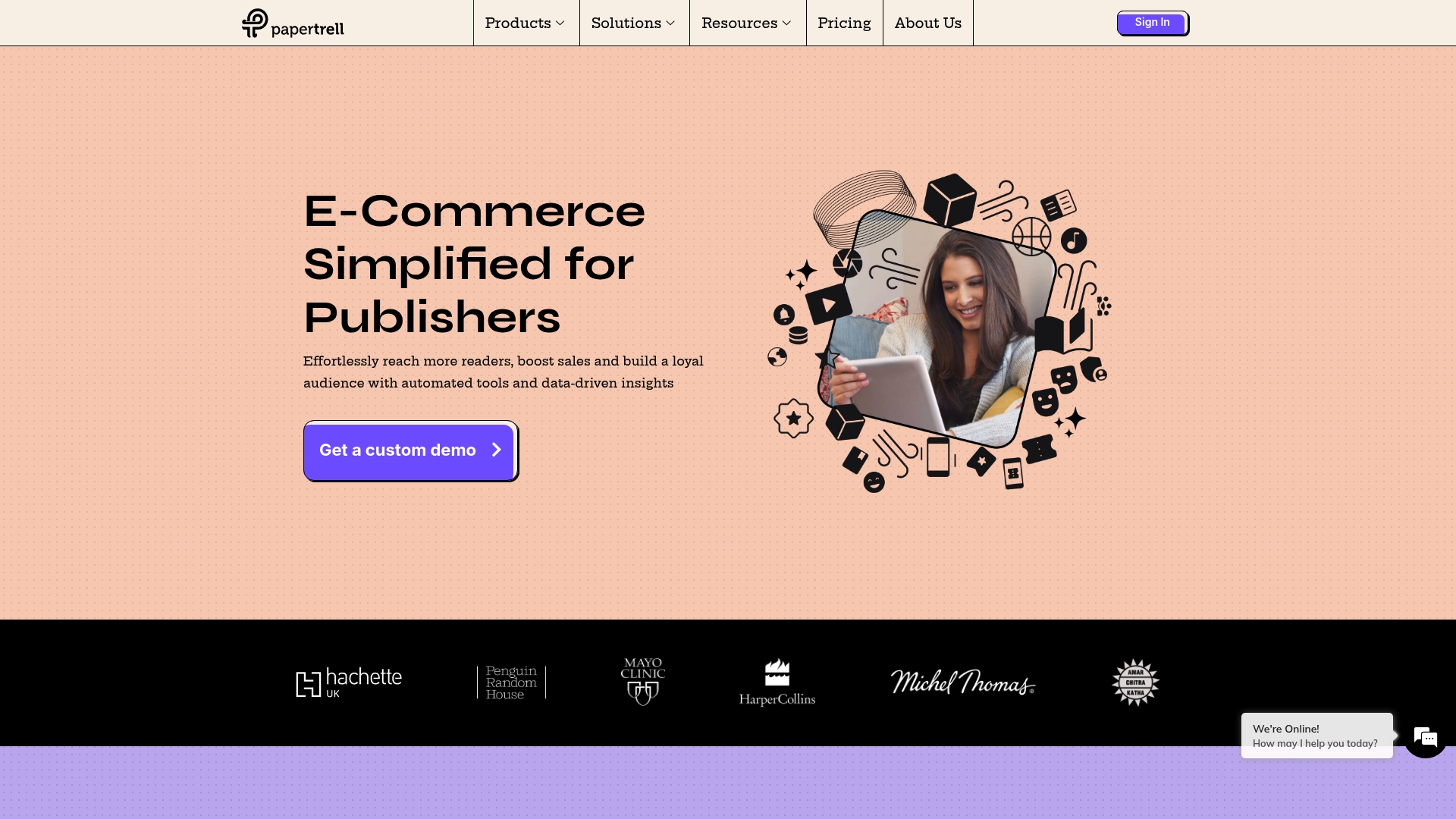
Papertrell bundles DRM and catalogue management with subscription and flexible payment options specifically for publishers. The vendor positions the stack as a single place to sell eBooks and audiobooks while using audience targeting and automation to lift engagement.
Request a walkthrough to see how those building blocks map to your catalogue.
Core Features
- Audience targeting tools for segmenting readers and tailoring offers.
- Personalised engagement flows and marketing automation to promote launches and subscriptions.
- Flexible payments and subscriptions including storefront and recurring models.
- Catalogue management that handles metadata, access control and DRM.
- Sales analytics and promotion tracking to measure conversions and campaign ROI.
Check core workflows against your catalogue setup before committing.
Key Differentiator
Papertrell focuses on publisher needs rather than generic commerce. Its mix of access control, catalogue tooling and subscription-ready storefronts is designed to help publishers monetise multiple formats from one account.
If you sell mixed-format backlists and new releases, that publisher focus will save integration time.
Pros
- The platform provides a publisher-first toolset that keeps metadata, access and monetisation in one place, reducing the number of bolt-on systems you need.
- Strong emphasis on audience targeting and personalised engagement helps turn launches into repeat buyers rather than one-off purchases.
- Flexible monetisation supports single sales, subscriptions and storefront promotions, so you can experiment with pricing models for different imprints.
- Collaboration-friendly frameworks speed up catalogue onboarding and editorial workflows for teams working across formats.
- The vendor's marketing highlights a long-standing reputation and customer testimonials, which you should verify in a product demo.
Ask for case studies that match your imprint size and format mix.
Cons
- Pricing is not published; the lack of transparent costs makes budgeting difficult for small presses.
- The platform assumes a digital-first approach, which may not suit traditional publishers focused on print distribution.
- There is a learning curve for teams new to digital sales and DRM workflows; onboarding will require staff time.
- No clear mention of a free trial or freemium tier in visible materials, so initial evaluation may need a paid pilot.
Request a detailed onboarding plan and a pricing breakdown before starting any pilot.
When It May Not Fit
If your house primarily sells print and expects minimal digital investment, Papertrell's digital-first toolset will add overhead rather than value. Also avoid it if you need publicly visible, fixed pricing for immediate procurement.
Consider a simple marketplace or partner-first distribution if you lack digital capability in-house.
Who It's For
You are a publisher, independent author or small publishing house aiming to monetise eBooks and audiobooks, experiment with subscriptions, and use behavioural data to refine promotions. Papertrell fits teams ready to invest in digital operations.
Schedule a demo and bring a publishing use case to the meeting.
Real World Use Case
A small publishing house used Papertrell to launch an online storefront for its backlist, introduce a monthly subscription for serialised titles, and track engagement to refine email campaigns. The result helped the marketing team prioritise high-retention titles.
Pilot a single imprint to measure engagement before rolling out wider.
Pricing
The vendor does not publish detailed pricing; public content is informational only. Expect custom quotes based on catalogue size, DRM needs and subscription features.
Contact sales for a tailored proposal and a clear list of implementation costs.
Website: https://papertrell.com
Vivifiy
At a Glance
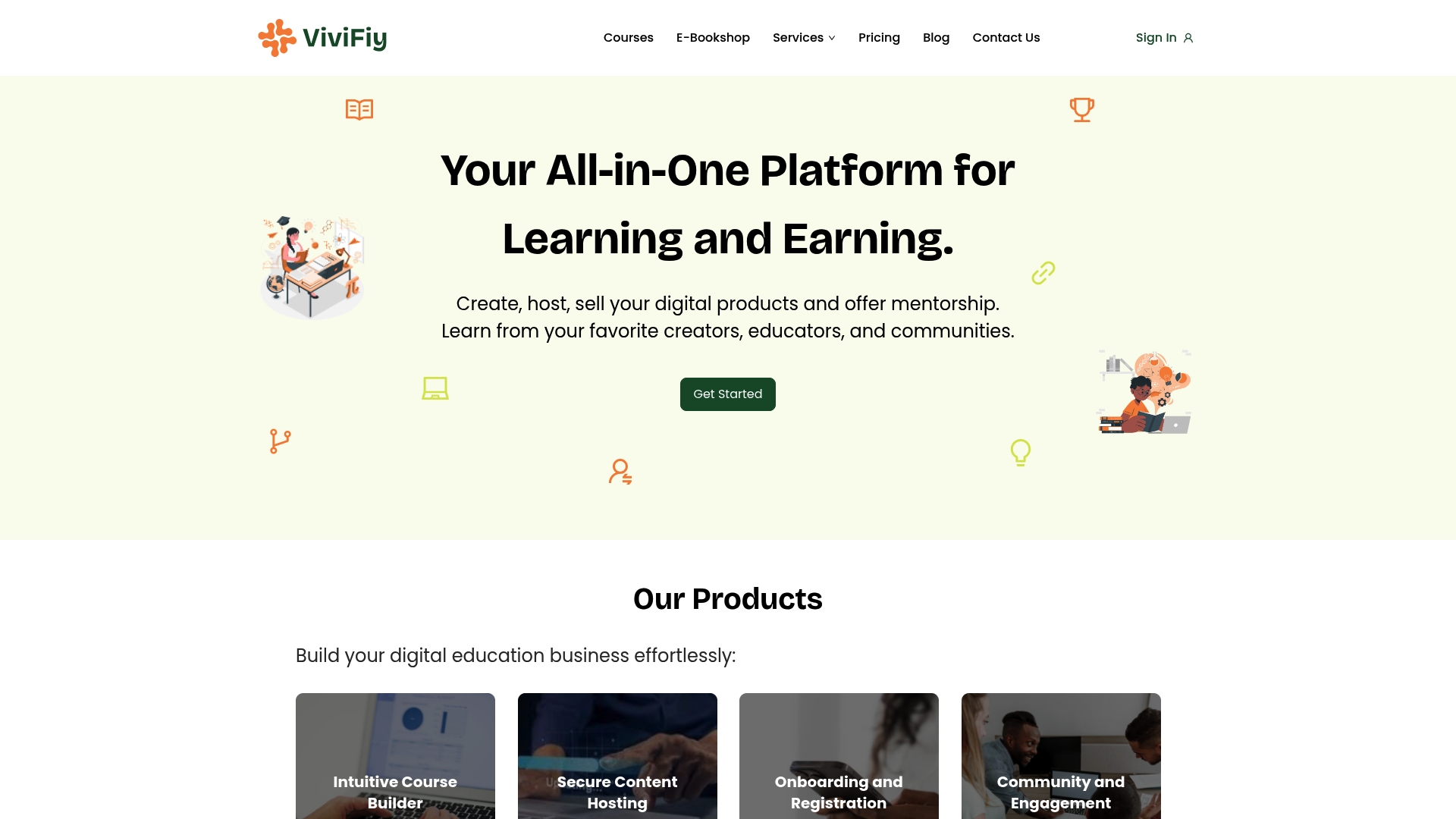
The vendor advertises a 3% service fee per transaction, which it positions as lower than many competitors. Vivifiy combines course hosting, mentorship, e-books and community tools with payments and marketing aimed chiefly at African creators. Try a pilot course to test payouts and workflow.
Core Features
- Structured course creation with videos, assessments and downloadable resources for staged learning.
- Secure cloud hosting with content protection and certificate issuance for completions.
- Cohort and mentorship management plus webinars and registration flows to run timed programmes.
- Community features to build learner engagement and a digital storefront for sales.
- Integrated marketing tools, analytics for earnings and enrolments, and content support with live demos.
Use the course templates to publish a first cohort within days.
Key Differentiator
Vivifiy focuses on serving African educators with an integrated set of tools that keep content, community and payments in one place. That low fee mentioned above changes the economics for small creators who sell digital courses and mentorship at lower price points. If local payment rails and regional marketing are priorities, Vivifiy makes them part of the core product rather than an add‑on.
Position a short paid cohort and evaluate conversion through built‑in promotions.
Pros
- Low transaction cost helps creators retain margin; the platform advertises a 3% fee, which is pitched as lower than many alternatives.
- Fast payouts and simple cashout flows reduce cash‑flow friction for individual educators and coaches.
- All-in-one functionality means you can host courses, sell e-books and run mentorship without stitching multiple services together.
- Unlimited consultations for content and technical support are included, which helps if you need hands‑on onboarding.
- Promotion channels such as social media, a blog and a digital storefront help creators get discovered without separate marketing software.
Start with a single product and add community features as engagement grows.
Cons
- Public user reviews are sparse; there is limited third‑party feedback to judge long‑term reliability or customer support quality.
- The platform does not advertise advanced customisation or enterprise‑grade scalability, which larger institutions often require.
- Pricing details beyond the transaction fee are limited, so total cost for premium capacities or add‑ons is unclear.
If you need audit trails, custom branding at scale, or SLA guarantees, test before migrating large catalogues.
When It May Not Fit
If your institution requires extensive customisation, integration with bespoke LMS systems, or detailed enterprise reporting, Vivifiy’s advertised feature set may be too lightweight. Large universities or corporate training departments that expect full white‑labelling and custom APIs should treat Vivifiy as a proof‑of‑concept rather than a final platform.
Consider Vivifiy for pilots rather than full enterprise rollouts.
Notable Integrations
- Calendly for scheduling and enrolment coordination.
- Zoom and Google Meet for live sessions and webinars.
- Microsoft365, Github, Azure, AWS and Google Cloud for storage, authentication or developer workflows.
Connect the tools you already use to reduce switching time.
Who It's For
Creators, educators and community builders targeting African learners who want an easy path to monetise courses, mentorship and digital publications. Independent coaches, small training organisations and early‑stage education startups will find the combination of payments, community and support useful.
Run a low‑risk pilot with a single cohort to validate market fit.
Real World Use Case
A health coach in Nigeria builds a structured course, sells it alongside short mentorship packages, hosts live coaching via Zoom, and manages enrolments and payments through the same dashboard. The coach uses community threads to keep learners engaged between sessions and withdraws earnings on a regular cadence.
Replicate this flow for different niche topics to scale income steadily.
Pricing
The vendor advertises a 3% transaction fee and states there are no hidden costs; specific tiered pricing or platform subscription figures are not published. That means your primary cost is the per‑sale deduction rather than a monthly licence fee.
Start with low‑volume sales to confirm net income before expanding.
Website: https://vivifiy.com
Comparing Creator Commerce Platforms
Choosing an appropriate platform to launch and monetise online courses depends on your priorities—cost, international payment acceptance, customisation, or support can all influence the decision. Below, we evaluate Bibliowlteca, Teachable, Teachly, Papertrell, and Vivifiy based on key dimensions to clarify their strengths and limitations.
Cost Trade-offs and Pricing Models
Bibliowlteca adopts a unique transaction-based pricing model, levying charges only per successful sale (7.99% + €0.99). This strategy makes it cost-effective for nascent creators needing to minimise fixed costs. In contrast, Teachable and Teachly impose monthly subscription fees starting at $39 and $99, respectively, which provide enhanced features but may represent higher overhead costs for creators with infrequent sales. Vivifiy advertises a 3% transaction fee, advantageous for creators prioritising low per-sale deductions, though transparency regarding additional costs remains ambiguous.
Integration Depth and Customisation Options
For users requiring extensive API capabilities or third-party integration support, Teachable shines with its documented connections to tools like Stripe, Zapier, and Mailchimp. Conversely, Teachly and Bibliowlteca exhibit limited API disclosures, potentially challenging users seeking advanced automation or custom-built marketing stacks. Papertrell serves publishers well by optimising catalogue management and engagement but does not prioritise general educational customisation.
Distinctive Creator-focused Features
Teachly excels in onboarding and engagement with real-time analytics and buyer-centric funnels, supporting high-conversion pathways. Bibliowlteca, meanwhile, focuses on secure content hosting and multi-currency acceptance, fundamental for creators marketing digital products globally. Vivifiy integrates mentorship management and community building to foster engagement in markets less served by alternatives.
Best Fit Recommendations
- Bibliowlteca: Best suited for solo educators aiming to optimise costs by paying only per transaction.
- Teachable: Perfect for creators needing diverse third-party integrations and mobile app support.
- Teachly: Recommended for course authors seeking a combined tool stack with hands-on onboarding.
- Papertrell: Suitable for publishers focusing on catalogue management and digital monetisation.
- Vivifiy: Excellent for African creators emphasising affordability and integrated mentorship tools.
Why Bibliowlteca?
For creators launching digital courses or downloadable products while avoiding monthly fees, Bibliowlteca's transaction-based model provides flexibility during initial scaling. However, teams reliant on extensive marketing integrations or custom workflows might find other platforms a better fit given Bibliowlteca's integration limitations.
Creator Commerce Software Comparison
Choosing the right platform for hosting and monetising online courses is crucial for ensuring scalability and affordability.
| Product | Core Feature | Key Differentiator | Best For | Pricing | Notable Limitation |
|---|---|---|---|---|---|
| Bibliowlteca | Course hosting with payment integration | Transaction-based pricing | Solo educators and small businesses | 7.99% + €0.99 per sale | Limited third-party integrations and API support |
| Teachable | AI-assisted course creation, multi-product formats | Guided course setup with marketing integration | Small business owners | $39/month basic plan | Reduced customisation and reporting in lower-tier plans |
| Teachly | All-in-one creator tools with onboarding support | Dedicated success team for rapid launch | Educational creators requiring support | $99/month starter plan | 7.5% or 2.9% platform transaction fees |
| Papertrell | DRM management with subscription model | Focused on eBook and audiobook monetisation | Publishers and digital content sellers | Not disclosed | Lack of detailed pricing and digital-first focus unsuitable for print-only sales |
| Vivifiy | Low transaction fee course hosting | Tailored for African creators with regional support | African educators and community builders | 3% transaction fee | Limited public reviews and fewer features for extensive customisation |
Explore Better Alternatives to Booklot.online with Bibliowlteca
If you are seeking booklot.online alternatives that empower creators to sell educational content globally without the burden of monthly fees, Bibliowlteca offers a transparent pay-per-sale model that lets you focus on building your digital business. With support for multiple currencies and secure delivery, you can reach readers everywhere while maintaining full control over your e-books and courses.

Discover how Bibliowlteca can help you launch or expand your digital library effortlessly. Visit our Literature category to browse solutions tailored for authors and educators. Get started now at https://bibliowlteca.com and publish your first title with no upfront costs. Take the next step — publish and sell your digital content while only paying transaction fees when you succeed.
Frequently Asked Questions
What are the advantages of using Bibliowlteca for course creators?
Bibliowlteca offers unlimited hosting for video and course content without incurring extra storage charges. This combined with secure storage for downloadable assets allows creators to focus on content creation without worrying about additional costs. Start by testing Bibliowlteca with its free initial plan before committing to larger sales.
How does Bibliowlteca compare to Teachable for handling course sales?
Teachable excels with its AI-assisted course creation and built-in sales features, making it easy to get started quickly. Unlike Teachable, which requires a monthly subscription starting at $39, Bibliowlteca's transaction-only fee model removes upfront costs, making it ideal for creators hesitant about ongoing expenses. Consider using Bibliowlteca if you're looking to experiment without a monthly commitment.
Which platform is better for international sales, Bibliowlteca or Teachly?
Teachly offers specialised tools for building interactive funnels and real-time analytics, making it suitable for creators focused on engagement and conversion metrics. In contrast, Bibliowlteca supports multi-currency payments and simplifies selling across borders without requiring extensive setup. Choose Bibliowlteca if you want a straightforward approach to international sales.
Can I use Bibliowlteca for selling digital downloads alongside courses?
Yes, Bibliowlteca allows for the sale of bundled products and subscriptions in addition to individual courses. Its strong content controls and delivery mechanics ensure secure transactions for both courses and downloadable assets. Start with Bibliowlteca to expand your digital product offerings without upfront monthly fees.
How does Bibliowlteca handle transaction fees compared to Vivifiy?
Bibliowlteca charges a fee of 7.99% + €0.99 per successful sale, which may be higher than Vivifiy's lower 3% service fee. This makes Bibliowlteca favourable for creators testing the waters with occasional sales rather than large-scale launches. If you're looking for a platform that allows low-risk initial sales, Bibliowlteca is worth considering.