
Reviewers need five categories of tools to work well: reading trackers, annotation tools, note-taking and organisation apps, drafting software, and a distribution platform for selling what they create. For UK creators and educators, the recommended starting stack is Goodreads for community reach (the platform has over 75 million members), Hypothes.is for close-reading annotation, Notion or Zotero for notes and citations, Google Docs or Scrivener for drafting, and Bibliowlteca for selling and distributing review-based educational resources with GBP payouts and VAT-aware checkout. Pick one tool per category, trial it for two weeks, and map it to this workflow: track → annotate → draft → publish → monetise.
Key categories at a glance:
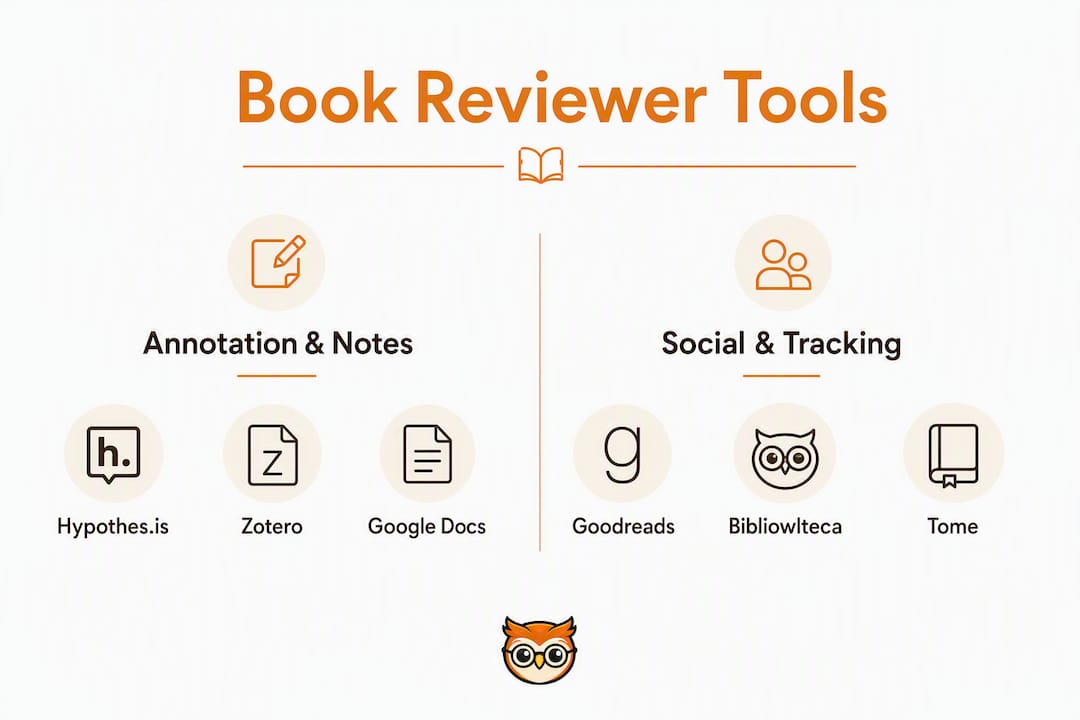
- Reading trackers/social: Goodreads, Tome
- Annotation and highlights: Hypothes.is
- Note-taking and organisation: Readwise, Notion, Zotero
- Drafting and word processing: Scrivener, Google Docs, Microsoft Word
- AI-assisted drafting: Quillbot, Flowith, free generators
- Distribution and payment: Gumroad, Ko-fi, Bibliowlteca
Table of Contents
- Which tools for book reviewers suit each role?
- How to choose the right tools: a checklist for UK creators
- Bibliowlteca: sell your review-based resources with confidence
- Key takeaways
Which tools for book reviewers suit each role?
The table below covers every major option. Bibliowlteca leads because it is the only platform here that combines marketplace distribution, GBP payouts, and VAT-aware checkout in a single product built for educational creators.
| Tool | Best for | Price / free tier | Platform | Annotation & highlights | Note-taking / organisation | AI features | Integrations | UK distribution / payment |
|---|---|---|---|---|---|---|---|---|
| Bibliowlteca | Selling review-based resources with GBP payouts | Transaction fee model; free to list | Web | — | Analytics dashboard | — | Export, VAT tools | GBP, VAT-aware checkout, global payments |
| Goodreads | Community reach and reading tracking | Free | Web, iOS, Android | Basic shelf notes | Reading shelves | — | Limited | None |
| Tome | Community-led discovery and storytelling | Free tier available | Web | — | Chronological feed | — | Limited | None |
| Hypothes.is | Close reading and classroom annotation | Free; paid team plans | Web | In-line highlights, public/private layers | Group note layers | — | LMS integrations | None |
| Readwise | Consolidating highlights and quotes | From ~£7/month | Web, iOS, Android | Highlight sync | Spaced-repetition review | — | Kindle, Instapaper, Notion | None |
| Notion | All-purpose review workspace | Free; paid from ~£8/month | Web, iOS, Android, desktop | — | Databases, templates | AI add-on available | Zapier, export | None |
| Zotero | Academic citation management | Free | Web, desktop | PDF annotation | Library organisation | — | Word, Google Docs, export | None |
| Scrivener | Long-form essays and serial reviews | — | Desktop (Mac/Windows), iOS | — | Project/chapter folders | — | Export to Word, PDF | None |
| Google Docs | Collaborative drafting | Free | Web, iOS, Android | Comment threads | Folder organisation | Gemini AI (paid) | Zapier, export | None |
| Microsoft Word | Formal editorial and offline drafting | — | Desktop, web, iOS, Android | Track changes | Styles, templates | Copilot (paid) | Reference managers | None |
| Gumroad | Simple direct-to-consumer product sales | — | Web | — | — | — | Limited | USD primary; GBP accepted |
| Ko-fi | Tips, memberships and small-scale sales | — | Web | — | — | — | Limited | GBP accepted |
Pro Tip: Platforms like Tome prioritise community chronology over algorithmic ranking, which suits educators who want authentic peer discovery rather than popularity-driven feeds.
Reading trackers and social platforms
Goodreads remains the default for audience-building. Its shelf system, reading challenges, and review feeds give reviewers instant discoverability. Tome takes a different approach: chronological, community-led, with no opaque ranking, which appeals to educators running structured reading programmes.
Annotation, note-taking, and reference management
Hypothes.is is the strongest tool for evidence capture. In-line highlights with public and private group layers make it practical for classroom close-reading, where students and instructors annotate the same text simultaneously. Readwise solves a different problem: it pulls highlights from Kindle, Instapaper, and other sources into one place and resurfaces them through spaced repetition, so quotes you captured three months ago reappear when you need them for a review draft.

Zotero handles the citation layer. It stores bibliographic data and exports to Word, Google Docs, and most academic formats. For reviewers writing long-form criticism or producing educational materials that cite multiple sources, Zotero is the reference manager to reach for. Pair it with a practical guide to writing book reviews to build a thesis-driven workflow from the start.
AI-assisted drafting tools
AI generators like Quillbot and Flowith produce structured drafts quickly, but they require careful revision. As practitioners note, AI surfaces recurring themes and handles administrative drafting so reviewers can concentrate on high-value critique. The UNC Writing Center's guidance is worth keeping in mind: a credible review builds a unifying thesis supported by specific evidence, not a plot summary. AI can scaffold the structure; the evidence and argument must come from you.
Pro Tip: Use AI tools to generate a first-pass outline or surface thematic patterns, then replace every generic claim with a direct quote and page reference before publishing.
How to choose the right tools: a checklist for UK creators
Start with your primary goal. Selling review-based courses or e-books requires a platform with GBP support and VAT handling. Running peer-review classes needs annotation layers and GDPR-compliant data storage. Tracking personal reading needs nothing more than a free shelf tool.
Questions to ask before committing to any tool:
- Does it export your data in a portable format (CSV, PDF, BibTeX)?
- Is it GDPR-compliant, with EU/UK data residency options?
- Does it support GBP payouts or VAT-inclusive pricing for UK sales?
- What are the transaction fees, and are there hidden export or storage costs?
- Does it integrate with your reference manager or drafting tool?
- Is the AI feature transparent about what it generates and what it does not?
Red flags: opaque pricing with no published fee schedule, no data export option, payment processing limited to USD only, and single-star rating systems with no granular feedback dimensions. For educators, granular multi-dimensional feedback (rating prose, pacing, and argument separately) is far more useful than a single star score.
Integration timeline: trial one tool per category for 1–2 weeks, run a pilot with one class or cohort for 4–6 weeks, then roll out fully over 2–3 months. Annotation tools like Hypothes.is have a short learning curve (a few hours). Scrivener takes longer, typically a week before the project structure feels natural.
Pro Tip: Combine specialist tools (Hypothes.is for annotation, Zotero for citations) with a marketplace like Bibliowlteca for distribution, rather than relying on an all-in-one that restricts where and how you sell. Specialist tools go deeper; a dedicated marketplace handles the commercial layer properly.
For building effective educational reading lists alongside your review workflow, pairing a tracker with a structured selection framework, such as SEL book selection criteria, gives cohorts a consistent reading foundation.
Typical monthly cost for a full stack: free tiers for Goodreads, Hypothes.is, Zotero, and Google Docs; Readwise at roughly £7/month; Notion at roughly £8/month if you need the paid tier; Bibliowlteca on a transaction-fee model with no monthly subscription. Total committed spend can stay under £20/month for most creators, with transaction fees applying only when you make a sale.
Bibliowlteca: sell your review-based resources with confidence
Most of the tools above handle the craft of reviewing. Bibliowlteca handles what comes after: turning your reviews, courses, and educational resources into a sustainable income. It supports e-books, courses, mentorship programmes, and templates, with global payments, GBP payouts, and VAT-aware checkout built in from the start.

Getting started takes three steps: create an account on the Bibliowlteca marketplace, upload your review-based resource or course and set your currency and VAT preferences, then publish and link directly from your review channels. The platform operates on a transaction-fee model, so there is no monthly subscription to commit to before you have made your first sale. Full details on fees and marketplace terms are on the platform features page. If e-books are your primary format, the Bibliowlteca e-books page covers exactly what the publishing and delivery workflow looks like.
Key takeaways
The most effective toolkit for UK book reviewers combines free specialist tools for reading, annotation, and citation management with a dedicated marketplace for distribution and payment.
| Point | Details |
|---|---|
| Five core tool categories | Reviewers need trackers, annotation tools, note-taking apps, drafting software, and a distribution platform. |
| Goodreads for reach | With over 75 million members, Goodreads remains the strongest platform for community discovery and audience-building. |
| AI as a scaffold, not a substitute | AI tools like Quillbot and Flowith draft structure quickly but require human revision to add specific evidence and a credible thesis. |
| UK payment and VAT matter | Choose a distribution platform that supports GBP payouts and VAT-aware checkout; Gumroad and Ko-fi accept GBP but lack VAT handling. |
| Bibliowlteca for distribution | Bibliowlteca combines marketplace distribution, GBP payouts, and VAT-aware checkout for creators selling review-based educational resources. |