

The three changes that move the needle fastest are enabling guest checkout, cutting non-essential form fields, and showing the full price (shipping, tax, fees) before the payment page. Together, these fixes typically lift conversion by single digits to low double digits, depending on your baseline. Pick one, run it for several weeks, and measure the result before touching anything else.
TL;DR:
- Enabling guest checkout can significantly increase conversion rates, especially among first-time visitors, by removing registration barriers.
- Showing the full price, including shipping and taxes, early in the process reduces last-minute surprises that cause abandonment.
- Offering multiple popular payment options like PayPal, Apple Pay, and buy-now-pay-later decreases the likelihood of buyers dropping out at the final step.
- Optimizing for mobile with large tap targets, autofill, and fast load times can lower abandonment rates more effectively than desktop fixes.
- Testing checkout changes over three to six weeks with clear hypotheses and segment analysis ensures meaningful, data-driven improvements.
Table of Contents
- What is kassa optimeerimine and why does it matter?
- 10 quick wins checklist for checkout optimisation
- Which payment methods actually reduce abandonment?
- How do you fix mobile checkout friction?
- What builds trust at the payment step?
- How do you measure and test checkout changes?
- What checkout mistakes quietly kill conversion?
- What digital-product sellers get wrong about checkout
- Where BibliOWLteca fits if you sell courses or ebooks
- Sources
- FAQ
What is kassa optimeerimine and why does it matter?
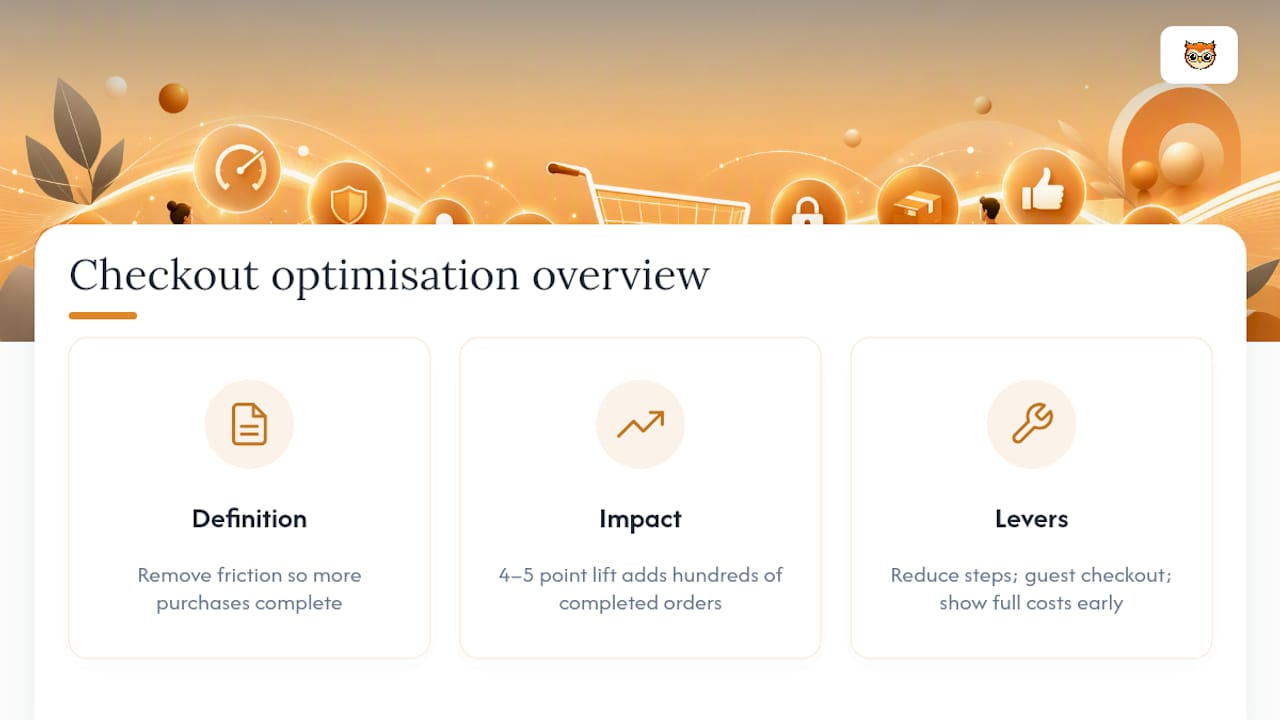
Kassa optimeerimine, or checkout optimisation, is the practice of removing friction from the payment step so more visitors who add something to their basket actually complete the purchase. It sits alongside point of sale efficiency and cash register management as related disciplines, but for online sellers the term usually means the same thing: fewer clicks, clearer pricing, and a payment flow that doesn't make people think twice.
The reason it matters is simple arithmetic. A store with a large number of checkout starts each month and a conversion rate under optimal levels is losing a substantial number of sales to abandonment. Move that rate up by even four or five points and you've added hundreds of completed orders without spending a cent more on traffic. Stripe's guidance on checkout optimisation confirms that reducing steps, offering guest checkout, and showing full costs early are the highest-leverage changes most stores can make.
10 quick wins checklist for checkout optimisation
Work through these in order. Each one is testable on its own, and most can be shipped inside a sprint.
- Enable guest checkout, offer account creation after payment. Forcing registration before purchase is one of the most reliable abandonment triggers. Test hypothesis: guest checkout raises completion rate among first-time visitors.
- Strip the form down to what you actually need. Use address autocomplete to cut typing, per Shopify's checkout guide. Test: fewer fields reduces time-on-page and drop-off at the address step.
- Show the full price breakdown early, not on the last screen. Shipping and tax surprises at the final step are a classic abandonment cause.
- Lead with the payment methods your customers actually use (cards, PayPal, Apple Pay, Google Pay, buy-now-pay-later).
- Use a single-page or condensed multi-step flow rather than five separate screens.
- Keep a sticky order summary and a visible progress indicator throughout the flow, which Shopify notes improves task completion.
- Make validation inline and friendly. Flag the exact field with the problem and never clear what the customer already typed.
- Trigger cart-saving and recovery emails with a direct, prefilled link back to checkout.
- Place trust badges and a visible support contact near the payment button, not buried in the footer.
- Audit third-party scripts. Every extra tracking pixel or chat widget adds load time and, sometimes, a consent pop-up nobody asked for.
Which payment methods actually reduce abandonment?
Offering only one card network or a single payment provider is still one of the most common reasons buyers give up at the last screen. Stripe's own data on checkout behaviour shows that widening the payment mix, cards, PayPal, Apple Pay, Google Pay, and buy-now-pay-later options, reduces abandonment measurably because it removes the "I don't have that" moment at the worst possible point in the funnel.
- Hosted checkout (Stripe Checkout and similar) hands the payment page to a specialist provider, which usually means faster PCI compliance and built-in fraud tooling.
- Embedded forms keep the buyer on your domain but put the compliance and design burden on you.
- Tokenisation lets returning customers pay in one tap without retyping card details, which shortens repeat purchases significantly.
- Use order origin, device type, and past purchase data to decide which local wallets to surface first rather than showing every option to every visitor.
How do you fix mobile checkout friction?
Mobile carts abandon at a higher rate than desktop ones almost everywhere, and the cause is usually design, not indecision. Build for mobile first: large tap targets, a single-column layout, and the correct keyboard type triggered automatically for email or numeric fields.
Autofill and address autocomplete cut typing dramatically on small screens, a point Shopify's checkout research backs directly. On performance, aim for Largest Contentful Paint under 2.5 seconds, a benchmark BigCommerce ties directly to checkout conversion. Compress images, defer scripts that aren't needed to complete payment, and cut any tracker that isn't earning its place.
Pro Tip: Real-time, adaptive form validation can cut input errors noticeably on mobile. One AI form-builder case study recorded measurable mobile conversion gains after switching to dynamic validation, worth testing on your own traffic rather than assuming the result transfers directly.

What builds trust at the payment step?
A cluttered wall of badges convinces nobody. One clear signal, a recognised payment logo and an obvious way to reach support, tends to reassure buyers more effectively than a dozen small icons, according to Yotpo's checkout research.
- Keep the privacy note near the payment field short and plain, not a legal paragraph.
- Preserve what the customer typed when validation flags an error, and explain the fix in one sentence.
- Link to your returns and refund policy from checkout itself, never hide it behind a separate page hunt.
- Balance fraud checks so the honest majority isn't punished with extra steps meant for the rare bad actor.
How do you measure and test checkout changes?
Testing beats guessing every time, and BigCommerce's guidance is blunt about validating changes with real experiments before a full rollout.
- Track four core metrics: conversion rate, cart abandonment rate, average order value, and the validation error rate on each field.
- Run tests for three to six weeks with a sample large enough to reach statistical confidence, longer for low-traffic stores.
- Write the hypothesis down before you launch it: "Guest checkout will lift first-time-visitor conversion by X points" is testable; "let's simplify things" is not.
- Segment results by device and traffic source before declaring a winner, since a change that helps mobile can sometimes hurt desktop.
- Roll out only once you have both statistical significance and a business impact worth the engineering effort.
What checkout mistakes quietly kill conversion?
Some of the most damaging changes look reasonable on a slide deck and fall apart in production.
- Forcing account creation before purchase, or asking for personal data you don't actually need for the sale.
- Hiding shipping cost or tax until the final confirmation screen.
- Interrupting checkout with an upsell pop-up right when the buyer is ready to pay.
- Stacking so many third-party scripts and consent walls that the payment button loads seconds after everything else.
What digital-product sellers get wrong about checkout
Selling a course or an ebook isn't the same problem as shipping a parcel, but the checkout mechanics rhyme closely. Payment links, tokenised cards, and fast recovery emails matter even more here, because the customer expects instant delivery the second payment clears, Stripe notes that shorter payment-link flows suit exactly this kind of digital sale.
Marketplaces also carry the tax and compliance weight so creators don't have to build it themselves. If you're setting up payments for course sales or want to see what to track in your course analytics, those are the practical next steps.
— BibliOWLteca
Where BibliOWLteca fits if you sell courses or ebooks
Bibliowlteca is the alternative to stitching together a payment processor, a tax tool, and a storefront yourself, it comes with global multi-currency payments, tokenised returning-customer checkout, and built-in tax handling already wired into the sale flow. That matters most if you're a creator selling courses, ebooks, or memberships and want to launch without spending weeks on payment infrastructure.

If you're weighing up whether to build a checkout from scratch or use one that's already handling global payments for other creators, the BibliOWLteca marketplace is worth a look. Sellers wanting a live example of the buyer-side experience can see it on an ebook product page, and if you're weighing storefront features against payment setup, the features overview covers both. For creators who also want structured support setting up their store, Trinity Education's business resources are a useful complement. Start by listing your first product and testing the checkout flow with a handful of real buyers.
Sources
- Checkout optimization tips for ecommerce businesses | Stripe
- Ecommerce checkout optimization: Complete guide (Shopify)
- Checkout Optimization Best Practices for 2026 Success
- Dünaamiline e‑kaubanduse kassasüsteemi optimeerimine AI Vormide Looja abil | Formize AI blog
FAQ
What is the single fastest checkout fix to test first?
Guest checkout tends to deliver the quickest visible lift because it removes the biggest single barrier for first-time buyers, forced registration, without touching anything else in the flow.
How long should an A/B test on checkout run?
Run it for three to six weeks, long enough to reach a reliable sample size and to catch variation across devices and traffic sources before declaring a result.
Does mobile checkout need different fixes to desktop?
Yes. Mobile buyers respond most to large tap targets, single-column layouts, and page-load speed, aiming for a Largest Contentful Paint under 2.5 seconds, while desktop friction is more often about form length and payment choice.
Can BibliOWLteca handle checkout for course and ebook sellers directly?
Yes, Bibliowlteca provides built-in global payments, tokenised returning-customer checkout, and tax handling as part of its marketplace, so creators don't need to build that infrastructure separately.
What KPIs actually prove a checkout change worked?
Track conversion rate, cart abandonment rate, average order value, and field-level validation error rate together, a change that improves one but worsens another isn't a genuine win.