

Define your niche, pick a hosted platform built for digital products, and you can launch in two to six weeks for under a few hundred euros in setup costs. Digitaalse poe loomine becomes far simpler once you stop trying to build everything yourself. Start today by writing a one-page listing your first ten products and the single goal your first month must hit.
TL;DR:
- Choosing the product type determines your platform, delivery method, and tax obligations, influencing setup costs and complexity.
- A managed hosted platform offers faster launch and less ongoing maintenance, especially crucial for digital products without physical logistics.
- Legal setup requires a domain, SSL, GDPR compliance, and full testing of purchase flows to avoid fines and operational issues at launch.
- Designing for mobile and streamlining the checkout process into under three clicks improve conversions and customer trust.
- Using a marketplace like Bibliowlteca simplifies technical and legal hurdles and lowers initial costs but offers less brand control.
Table of Contents
- What planning decisions determine your store's success?
- Should you choose a hosted platform or build it yourself?
- What technical and legal setup does a launch require?
- How do you design a store that actually converts?
- How should you organise products and manage inventory?
- How do you set up payments, VAT and shipping rules?
- What's the minimum viable marketing plan for launch day?
- Which metrics matter after you launch?
- Can a creator marketplace solve most of these problems for you?
- What creators get wrong about launching a digital store
- Why Bibliowlteca is built for creators launching digital products
- Sources
- FAQ
What planning decisions determine your store's success?
Every successful online store setup begins with three decisions, not with a website builder. Get these wrong and you'll rebuild the whole thing in month three, which is the single most expensive mistake in digitaalse poe loomine: unclear scoping at the start.
First, decide whether you're selling digital products, physical goods, or both, because that choice dictates your platform, your delivery method and your tax treatment.
Budget bands vary by ambition. A beginner-friendly build with a hosted platform and template design typically runs low to mid-hundreds of euros; a custom-built site with bespoke design and integrations climbs into the thousands.
- Product type: digital downloads, courses, physical goods, or a mix
- One measurable goal (sales, sign-ups, or conversion rate)
- MVP catalogue size, not your full future range
- Budget band: low (template + hosted platform), medium (paid theme + apps), high (custom build)
Should you choose a hosted platform or build it yourself?
This is the trade-off that swallows the most time for first-time sellers. A hosted or managed platform handles security patches, uptime and payment compliance for you, which means you launch faster and spend your energy on products, not plumbing. Self-hosting gives you full control over code and design but demands ongoing maintenance, security updates and often a developer on retainer.
For digital products specifically, certain platform features are non-negotiable rather than nice-to-have:
- Secure, time-limited file delivery so ebooks and courses can't be freely redistributed
- Licence key generation for software or template sales
- Membership or subscription billing for ongoing courses and mentorships
- Native multi-currency pricing so international buyers see their own currency at checkout
- Built-in integrations for payments, accounting exports, email marketing and analytics
A hosted, managed platform is usually the right call when you want to sell within weeks rather than months, when you don't have in-house development resource, or when your product is digital and doesn't need warehouse or shipping logistics at all.
Pro Tip: Before comparing platforms feature-by-feature, list the three tasks you'll do weekly (uploading a new course, issuing a refund, checking a sales report) and test how many clicks each one takes on a demo account.
What technical and legal setup does a launch require?
Before you accept a single payment, a short list of technical and legal tasks has to be locked down. Skip any of these and you risk fines, chargebacks, or a store that simply doesn't work on launch day.
- Register a short, memorable domain name and point its DNS records at your hosting provider.
- Confirm hosting performance: page load under two to three seconds, since mobile shopping behaviour increasingly punishes slow sites with higher abandonment.
- Install an SSL certificate. Every EU-facing store needs one, alongside a cookie banner, GDPR-compliant privacy notice and clear terms and conditions, as Estonian e-commerce compliance guidance sets out plainly.
- Set up transactional emails: order confirmation, delivery link, refund notice.
- Run a full test purchase, including a failed card and a refund, before you announce anything publicly.
A GDPR checklist built for course sellers walks through the specific cookie and consent wording EU-based digital sellers need, which saves you drafting privacy policy language from scratch.
How do you design a store that actually converts?
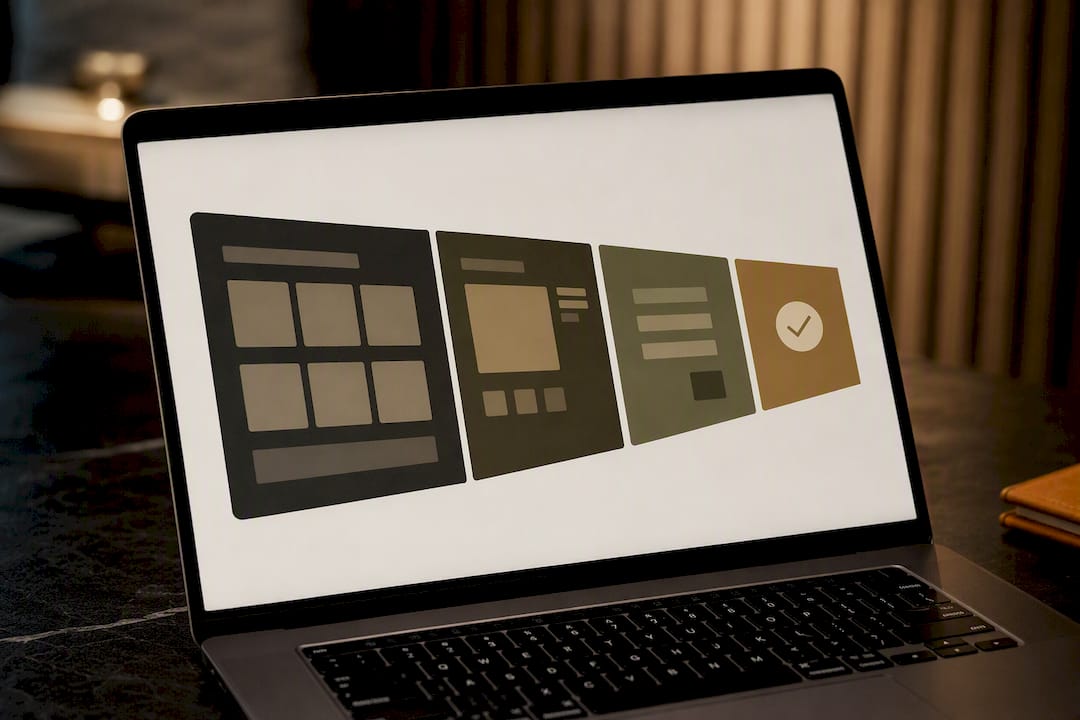
Treat your storefront as a funnel, not a catalogue. The insiders' rule of thumb: keep every essential task, browsing to checkout, under three clicks, and design mobile-first because that's where most traffic now arrives.
Product pages need a specific set of elements to earn trust and clicks:
- Clear, benefit-led descriptions rather than feature lists alone
- Multiple images or a preview (a sample chapter, a course trailer clip)
- Visible variants: format, licence type, bundle options
- Trust signals: reviews, refund policy, secure-payment badges
Mobile-first isn't optional polish; it's the default lens for every design decision, from button size to checkout field count. Add urgency sparingly (limited cohorts for a course, a launch-week price) and make your returns or refund policy visible before checkout, not buried in a footer link.
Pro Tip: Aesthetics second, structure first. The most common beginner mistake is polishing fonts and colour palettes before mapping the actual click path from homepage to "thank you" page.
How should you organise products and manage inventory?
Consistent product naming and tagging is what makes your catalogue filterable and searchable, both for customers and for search engines indexing your category pages. Use a simple taxonomy: category, format, level (beginner, advanced), and stick to it across every listing.
For physical goods, build a fulfilment workflow before you list your first item: how stock levels update, who packs orders, and what happens when something sells out. For digital goods, the priority is file protection: expiring download links, watermarked PDFs, or licence-gated course access so content isn't shared freely once bought.
- Standardise category, format and level tags across your entire catalogue
- Map fulfilment steps for physical stock (or delivery protection for digital files)
- Connect your product catalogue to email and accounting tools from day one, not after your first tax return
- Review how digital products get structured for global sale before finalising your listing template
How do you set up payments, VAT and shipping rules?
Payment setup for a store selling internationally needs more than a single card processor. Offer at least one local payment method alongside cards, since buyers in different regions often prefer bank transfers, wallets, or region-specific options over card payments alone.
VAT on digital goods sold to EU consumers generally applies at the buyer's local rate rather than the seller's, which is a meaningfully different rule from physical goods VAT. Get local tax advice before your first cross-border sale rather than after; the rules shift depending on your buyer's country and your own registration status.
- Support multiple currencies and at least one non-card payment option
- Confirm VAT treatment for digital goods sold to EU consumers with a tax adviser
- Publish clear shipping timelines and a plain-language returns policy for physical goods
- Connect payment processors to your bookkeeping software so reconciliation isn't manual guesswork
Pro Tip: Reconciling sales by hand feels manageable at ten orders a month and becomes a weekend-eating chore at two hundred. Integrating accounting software early prevents that slide, and a payment processing guide for creators covers gateway selection in more depth.
What's the minimum viable marketing plan for launch day?
You don't need a full campaign to launch. You need a landing page that captures emails before the store opens, basic SEO on your category and product pages, and one small paid test to see what actually converts.
- Build a pre-launch landing page and start collecting email sign-ups at least two weeks before opening.
- Write unique titles and descriptions for product and category pages; tools for generating product descriptions and copy at scale can help avoid thin, duplicated copy that hurts both rankings and conversion.
- Set up two automations before launch day: a welcome email and an abandoned-cart reminder.
- Run one small paid test, a modest budget across a single channel, to see which message or audience actually converts.
- After week one, fix the biggest friction point first (usually checkout drop-off), then put more budget behind whatever channel is already working.
Which metrics matter after you launch?
Conversion rate, average order value and cart abandonment rate are the three numbers to watch from day one. They tell you whether traffic is reaching your store and whether your checkout is losing people it shouldn't.
Install analytics and event tracking before launch, not after, so you have baseline data from your very first visitor.
- Track conversion rate, average order value and cart abandonment weekly
- Set up event tracking for add-to-cart, checkout start and completed purchase before going live
- Run a weekly checklist: backups, plugin or app updates, and a security scan
- Bring in developer or support help once maintenance starts eating more than a few hours a week
Can a creator marketplace solve most of these problems for you?
A marketplace built specifically for digital education products, like Bibliowlteca, handles secure file delivery, multi-currency payments and tax-relevant workflows without you assembling each piece separately. That's a meaningfully different starting point from stitching together a website builder, a payment gateway and a separate course-hosting tool.
- Course creators get video hosting and quizzes without a separate LMS subscription
- Ebook and template sellers get licence-protected, expiring delivery links by default
- Mentorship and coaching sellers get dedicated booking and community tools
- Choose a marketplace when speed matters more than full design control; choose self-hosting when your brand needs a fully bespoke storefront
What creators get wrong about launching a digital store
Most first-time sellers treat launch as a finish line. It isn't. The friction always shows up after: a checkout step nobody tested, a VAT question nobody asked early enough, a product description that reads great to the founder and confuses everyone else.
The habit that actually works is small, measured iteration against the goals you set in week one, not a redesign every time sales dip.
— BibliOWLteca
Why Bibliowlteca is built for creators launching digital products
Bibliowlteca charges no monthly fee for its Creator Plan and only takes a transaction fee from 0.99 EUR per completed sale, so you're not paying for a shop that hasn't made a sale yet. That's a different starting cost than most self-hosted builds, where hosting, apps and a payment gateway all bill you before your first customer arrives.

For a course creator, there are typically built-in features like video hosting and quizzes included. For an ebook or template seller, secure, expiring delivery links are generally provided as part of the platform. The platform supports multiple currencies and global payment methods, so a buyer in another country checks out in their own currency without you configuring anything extra.
If you're weighing a marketplace against building your own site, browse the supported product categories and the full feature breakdown to see whether it fits how you plan to sell.
Sources
Consult these for EU compliance, platform setup steps and cost benchmarks before finalising your build.
- E-commerce company requirements in Estonia — iWeb
- E‑poe loomine nullist: millised otsused määravad veebipoe edu?
- How to Build an Ecommerce Website: Complete Step-by-Step Guide (2026) — Tajo
FAQ
How long does it take to launch a digital store?
A hosted platform with a curated catalogue typically launches within a few weeks, while a fully custom build can take several months.
What does it cost to set up an online shop?
Costs vary widely depending on the platform and features, ranging from lower hundreds of euros for template-based hosted stores to significantly more for custom builds with bespoke integrations.
Does VAT apply to digital products sold across the EU?
Yes, VAT on digital goods sold to EU consumers is generally charged at the buyer's local rate, not the seller's, so get tax advice before your first cross-border sale.
What's the minimum legal setup before I can sell in the EU?
You need an SSL certificate, a cookie banner, a GDPR-compliant privacy notice, and clear terms and conditions before accepting payments.
How much does Bibliowlteca charge to sell digital products?
Bibliowlteca's Creator Plan carries no published monthly fee; it charges a transaction fee starting from 0.99 EUR per completed sale, with full pricing on its pricing page.