

TL;DR:
- Building a scalable online store requires prepared content, business basics, and platform selection.
- Educator-focused platforms with integrated features simplify international selling and content delivery.
- Using an all-in-one platform like BibliOWLteca helps educators grow globally with less technical hassle.
Most educators and creators have brilliant knowledge to share, but the path from "I have a course" to "I have a thriving global business" is rarely straightforward. You might have tried piecing together a website builder, a payment tool, and an email list platform, only to find yourself drowning in integrations rather than creating content. The good news is that building a scalable online store for digital education products does not have to be complicated. This guide walks you through every stage, from what to prepare before you start, to choosing the right platform, setting up your storefront, avoiding early mistakes, and growing your reach well beyond your home market.
Table of Contents
- What you need before you start
- Choosing the right online store builder for educators
- Setting up your online store: step-by-step
- Avoiding pitfalls and troubleshooting your first sales
- Measuring success and scaling your online store
- Why most educators underestimate the power of integrated digital storefronts
- Take your educational digital store global with BibliOWLteca
- Frequently asked questions
Key Takeaways
| Point | Details |
|---|---|
| Preparation matters | Having the right digital assets and a clear business plan sets you up for online success. |
| Platform choice is critical | Selecting an integrated, educator-friendly store builder determines scalability and user experience. |
| Step-by-step setup | Following a clear process avoids pitfalls and ensures a streamlined store launch. |
| Troubleshooting enables growth | Being proactive about fixing issues from day one boosts confidence and sales. |
| Measure and scale | Ongoing analytics and automation unlock your store’s global potential. |
What you need before you start
Now that you see the opportunity, here is what you need to have in place before building your store. Skipping this stage is the single biggest reason new creator businesses stall within the first three months. Think of it as laying the foundations before you build the walls.
Your content assets
Before you open a single account on any platform, gather everything a customer will actually receive. This includes:
- Finished e-books in PDF or EPUB format
- Recorded course videos or structured lesson modules
- Supporting materials such as worksheets, templates, or slide decks
- High-resolution cover images and product graphics
- Compelling product descriptions of at least 150 words each
- A clear, jargon-free title for every product
Having these ready prevents the common trap of launching a half-finished store that erodes trust before you make a single sale.
Business fundamentals
You also need a few non-negotiable business basics sorted before you go live. First, choose a payment processor that accepts international cards and common digital wallets. Second, understand your sales tax obligations. In many countries, digital products attract VAT or GST, and digital distribution platforms that handle tax compliance automatically will save you hours of headaches. Third, draft a simple terms of service and refund policy. Customers expect these, and they protect you legally.
Platform selection criteria
Choosing the wrong platform early is an expensive mistake to fix later. Use this table to evaluate any platform you consider:
| Criterion | Why it matters | What to look for |
|---|---|---|
| Scalability | You want to grow without switching tools | No product or revenue caps |
| Ease of use | You need to focus on content, not code | Drag-and-drop setup |
| Integration | Payments, email, and delivery in one place | Native tool connections |
| Global reach | Selling worldwide from day one | Multi-currency support |
| Support | Problems arise; you need fast help | Live chat or priority email |
Digital distribution platforms enable educators to reach worldwide audiences efficiently, which means your platform choice directly determines your ceiling for growth.
Pro Tip: Start with the simplest plan that covers your immediate needs, but confirm the platform can scale to at least ten times your current product catalogue before you commit.
Choosing the right online store builder for educators
With your prerequisites in place, it is time to select the right online store builder. Here is how platforms stack up for educators.
Not all online store builders are created equal, and most were designed with physical goods in mind. As an educator, you need features that protect your content, support structured learning journeys, and make it easy for students anywhere in the world to buy and access your material.
What to compare side by side
Use this comparison table when evaluating your shortlist:
| Feature | General e-commerce | Educator-focused platform |
|---|---|---|
| Content protection (DRM) | Rarely included | Usually built in |
| Course module support | Not available | Core feature |
| Custom branding | Limited | Full control |
| Mobile-friendly checkout | Standard | Optimised for learners |
| Global payment support | Varies | Prioritised |
| Automated digital delivery | Manual workarounds | Fully automated |
The difference is significant. A general e-commerce tool might let you list a PDF for sale, but it will not organise your modules, restrict unauthorised sharing, or automatically send access links after purchase.

Must-have features for global selling
When your goal is to reach students across multiple countries, these features are non-negotiable:
- Multi-currency pricing so customers see costs in their local currency
- Localised checkout pages that reduce friction at the point of purchase
- Automatic tax calculation for VAT, GST, and other regional obligations
- Secure file hosting with download limits to prevent content theft
- Integration with top e-book tools and course delivery systems
Integrated platforms boost creator sales by centralising content delivery and payments, which means fewer dropped transactions and a smoother experience for your students.
For a deeper look at how publishing and distribution work together, the digital publishing guide covers the full picture from manuscript to marketplace.
Pro Tip: Request a free trial before committing to any platform. Spend one hour trying to upload a product, set a price in two currencies, and simulate a checkout. If any of those steps confuse you, keep looking.
Setting up your online store: step-by-step
Once you have chosen your platform, follow these steps to launch your digital storefront.
The setup process feels overwhelming only when you try to do everything at once. Break it into clear stages and you will have a live store faster than you expect.
-
Create your account and verify your identity. Most platforms require identity verification before you can receive payouts. Complete this on day one to avoid delays when your first sale arrives.
-
Design your storefront. Choose a clean, professional theme that reflects your brand colours and style. Upload your logo, write a short "about" section, and set your store's primary language. Keep the layout simple so visitors focus on your products, not the decoration.
-
Upload your products. Add each product individually. Include a descriptive title, a detailed description of at least 150 words, a high-quality cover image, and the correct file or course link. Clear product descriptions and categorisation improve digital sales performance, so invest time here.
-
Set your pricing. Decide on your base price, then enable multi-currency options. Consider introductory pricing for your first launch to generate early reviews and social proof.
-
Connect your payment gateway. Link your preferred payment processor, confirm that international cards are accepted, and run a test transaction using a small amount before going live.
-
Configure digital delivery. Set up automatic file delivery or course access so that students receive their content within seconds of purchase. Test this yourself by completing a purchase on your own store.
-
Add your legal pages. Publish your terms of service, privacy policy, and refund policy before launch. These build trust and protect your business.
-
Run a pre-launch checklist. Go through every page, every link, and every product as if you were a first-time visitor. Check the mobile view, test the checkout, and confirm that all files download correctly.
For detailed guidance on monetising digital products effectively, explore strategies that go beyond basic pricing.
Pro Tip: Use a shared pre-launch checklist with a trusted colleague or friend. A fresh pair of eyes will catch broken links and unclear copy that you have become blind to after hours of setup.
Avoiding pitfalls and troubleshooting your first sales
Launching is just the beginning. Let's make sure your first sales go smoothly and you are set up to deal with any hiccups.
Creators often lose initial sales due to overlooked payment setup or unclear checkout processes. The frustrating part is that most of these problems are entirely preventable with a methodical approach.
Common challenges and how to fix them
-
Payment failures. If customers report failed payments, check that your gateway is active, your account is verified, and you have not accidentally restricted certain card types or countries.
-
Content delivery errors. If a student does not receive their download or course access, check the automation settings in your platform. Confirm that the trigger for delivery is set to "payment confirmed" rather than "order placed."
-
Access restrictions. Some platforms apply regional content restrictions by default. Review your settings to ensure your products are available in every country you want to serve.
-
Unclear checkout flow. Ask three people who have never seen your store to attempt a purchase and talk you through what confuses them. Simplify anything they hesitate over.
-
Missing legal pages. Customers who cannot find your refund policy will abandon their cart. Make these pages visible in your footer on every page.
Critical note: Always complete a live test transaction with a real payment method before announcing your store publicly. A failed first purchase from a genuine customer is far harder to recover from than a failed test.
For additional guidance, the global digital sales strategies resource covers how to structure your offer for international audiences, and distribution platform tips can help you optimise delivery settings.
Collect feedback from your first ten customers using a simple one-question survey: "Was there anything that nearly stopped you from completing your purchase?" The answers will be more valuable than any analytics tool.
Pro Tip: Enable automated error alerts in your platform's notification settings. You want to know about a failed delivery the moment it happens, not when a frustrated customer emails you two days later.
Measuring success and scaling your online store
You are up and running. Here is how to measure your progress and scale your impact.
Most creators check their sales dashboard daily and call it analytics. Real measurement means tracking the right numbers, acting on what they tell you, and building systems that grow without requiring your constant attention.
Key metrics to monitor

| Metric | What it tells you | How often to review |
|---|---|---|
| Conversion rate | % of visitors who buy | Weekly |
| Average order value | How much each customer spends | Monthly |
| Refund rate | Product satisfaction signal | Monthly |
| Customer acquisition cost | Efficiency of your marketing | Monthly |
| Repeat purchase rate | Loyalty and catalogue strength | Quarterly |
Analysing sales data helps creators optimise marketing and product offerings, turning guesswork into a repeatable growth process.
Building feedback loops
After each purchase, send an automated follow-up email asking for a brief review. Use that feedback to improve your product descriptions, update your content, and identify gaps in your catalogue. Students who feel heard become repeat buyers.
Automating your marketing
Set up an email sequence that triggers after purchase. A welcome message, a usage tip on day three, and a related product recommendation on day seven can significantly increase lifetime customer value without any ongoing manual effort.
Scaling globally
To reach more countries, consider these steps:
- Add pricing in at least three major currencies (USD, EUR, GBP)
- Translate your top product descriptions into one additional language
- Partner with educators in other markets for co-promotion
- Use your analytics to identify which countries already drive traffic, then target them with localised campaigns
For broader reading on growing your reach, access resources designed specifically for educators expanding their digital presence in 2026.
Why most educators underestimate the power of integrated digital storefronts
Here is an uncomfortable truth: most educators who struggle to grow their digital business are not struggling because of their content. They are struggling because of their tools.
The typical creator journey starts with good intentions. You pick a website builder you already know, add a PayPal button, store your files on a cloud drive, and manage your email list in a separate app. It works, just about, until it does not. One tool updates its pricing, another stops integrating, and suddenly you are spending your Sunday fixing broken automations instead of writing your next course.
Integrated platforms solve this not by adding features, but by removing friction. When your payment processor, content delivery, tax compliance, and customer management all live in one place, errors drop sharply. Sales that would have been lost to a broken checkout or a delayed download actually complete. That is not a marginal improvement. For many creators, it is the difference between a hobby and a business.
The mindset shift required is significant. Moving from a patchwork of tools to a single platform feels like giving something up, but what you are actually giving up is complexity. The time you recover goes back into content, audience building, and the work that only you can do.
Digital marketplace empowerment is not just a platform feature. It is a strategic decision to stop managing technology and start building an education business.
Take your educational digital store global with BibliOWLteca
Ready to put this guide into action? Here is your next move as a creator.
BibliOWLteca is built specifically for educators and content creators who want to sell digital products to a global audience without the technical complexity. The platform brings together everything covered in this guide: secure content delivery, multi-currency payments, tax compliance, and a ready-made BibliOWLteca marketplace where learners are already looking for quality educational content.
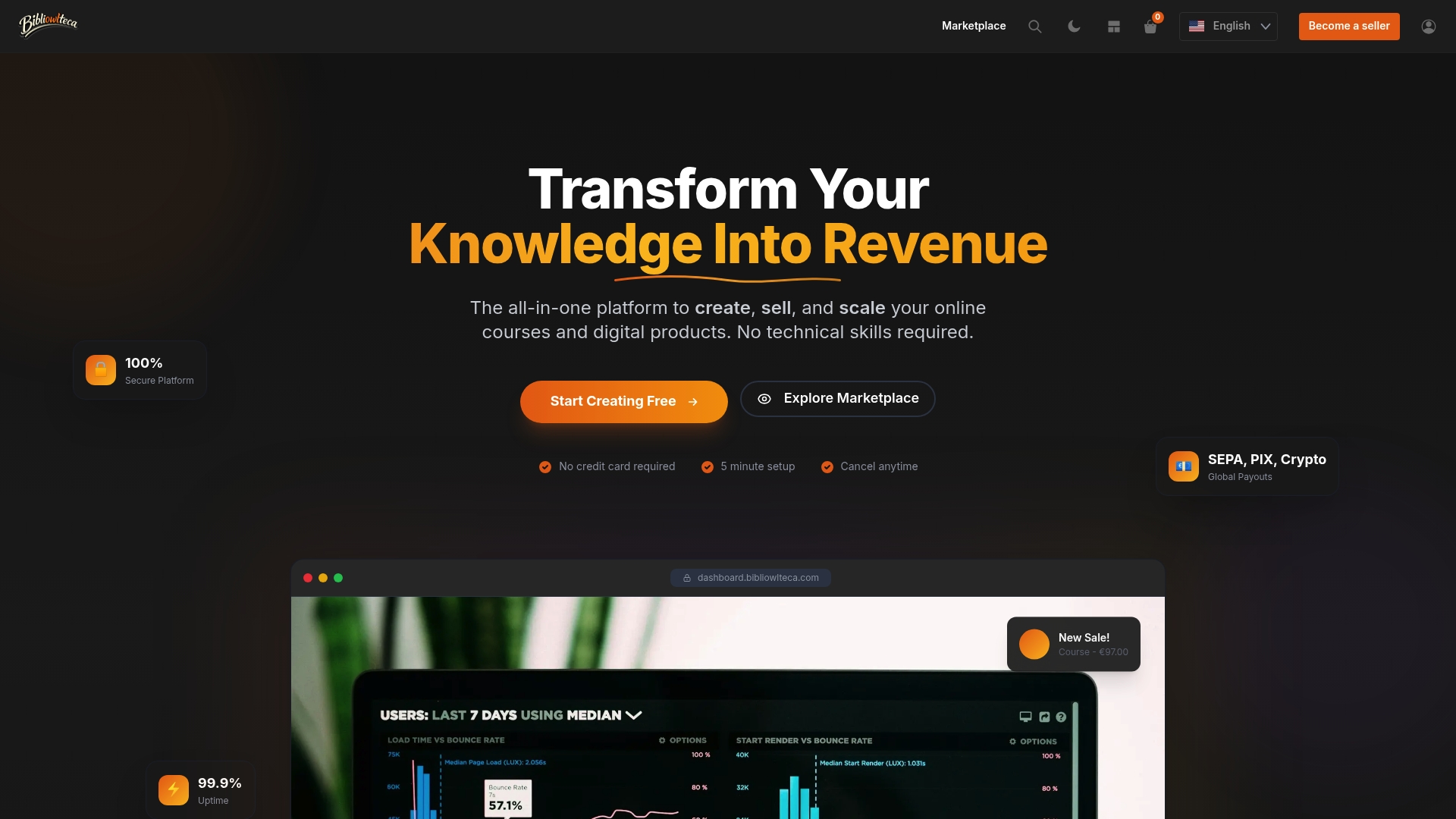
Joining is straightforward. You create your account, upload your products, set your pricing, and you are ready to sell worldwide. There are no complicated integrations to manage and no developer required. The BibliOWLteca platform handles the infrastructure so you can focus entirely on what you do best: creating content that genuinely helps people learn. If you have been waiting for the right moment to take your digital education business global, this is it.
Frequently asked questions
Can I sell both e-books and courses in my online store?
Yes, the best online store builders let you sell a mix of e-books, courses, and digital downloads from one storefront. Digital storefronts can host a range of educational materials for sale, making it easy to bundle formats and increase your average order value.
How do I handle international payments for global customers?
Choose a builder that integrates with global payment gateways so you can accept multiple currencies and payment types. Global digital sales require versatile payment options, so confirm your platform supports the regions where your audience lives before you launch.
What if my first sale fails or a digital download does not work?
Check your payment gateway and content delivery settings first, then use your platform's support guides or contact their help team directly. Initial sales can fail due to overlooked payment or access settings, which is why pre-launch testing is so important.
How do I know if my online store is successful?
Track sales, customer feedback, and growth statistics on your analytics dashboard to gauge progress over time. Tracking analytics helps improve digital sales performance, so review your key metrics at least once a week in the early months.